Live · Available now

BlockDAG App – Your entire betting world in your pocket. Download now for Android & iOS

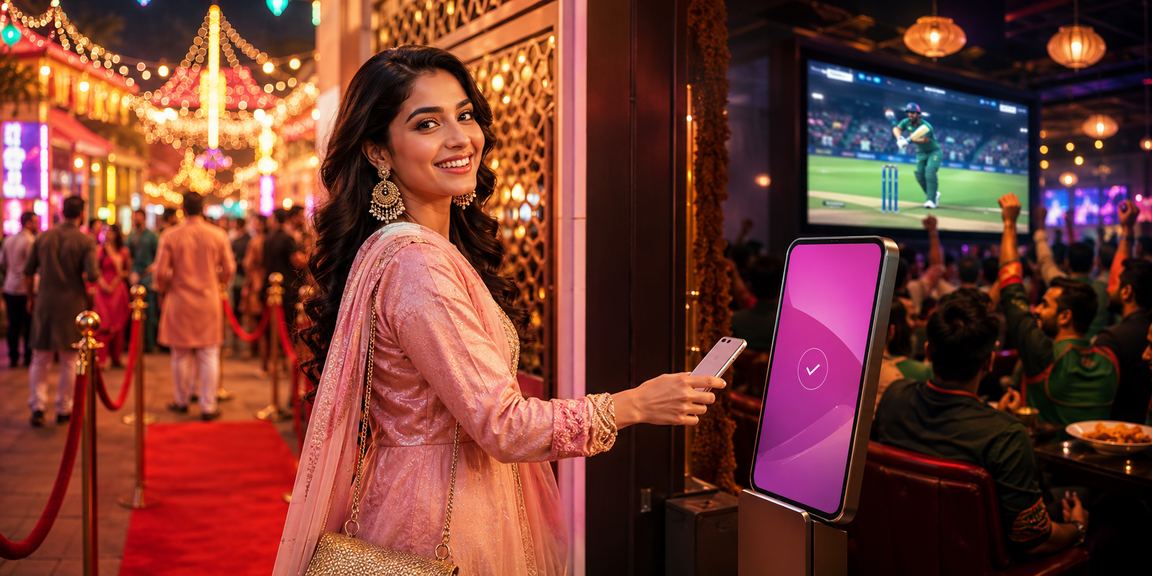
Bet while watching a cricket match, play live casino games, and send instant payments via Mobile Pay — all right from your pocket. Once you try the blockdag app, going back to a browser just won't feel the same.

Download
Android APK
v4.2.1 · 28 MB
Available
iOS / iPhone
Safari PWA support
Virus-free · SSL secured · Free download
BAN vs IND LIVE
Over: 18.3 145/4
Bet ৳100
5,00,000+
App download
4.7 ★
Average Rating
28 MB
App size
24/7
Live Support
blockdag

Why the blockdag app?

Simply put, the blockdag app was built with Bangladeshi users in mind. Whether you're on a slow connection or an older phone, it performs well in any condition. It loads quickly, the navigation feels familiar, and everything is available in Bangla — so even first-time users won't find themselves lost.

The app gives you a few extra advantages over the browser version. Push notifications keep you in the loop so you never miss an important match or offer. Live betting odds update faster too, which helps you make smarter calls based on what's happening on the field.

  • Smooth Performance Even on 3G
  • Full Bangla Interface
  • Fingerprint & PIN Login
  • Live Scores & Real-Time Odds
  • One-Tap Mobile Pay/Nagad Payment

📱 Key App Features

Everything You Get in One App

Live Betting

Bet on real-time odds while the match is in play. Every ball, every point shifts the situation — and the opportunities along with it.

Live Casino

Play Roulette, Baccarat, and Teen Patti with real dealers. HD streaming, live inside the app.

Smart Notifications

Get match alerts for your favorite team, bonus offers, and deposit confirmations delivered straight to your phone.

Fast Payments

Mobile Pay, Nagad, Rocket, and bank transfer — deposit and withdraw in seconds, whichever method you prefer.

Bet tracker

View your full betting history, win/loss stats, and ROI all in one place.

Two-factor authentication

Your account stays protected at all times with 2FA, fingerprint login, and SSL encryption.

blockdag

⬇️ How to Install

1
Go to download page

Blockdag's Download Page Download the APK file directly from. The file is only 28 MB, so it won't take long.

2
Enable Unknown Sources

Go to Settings → Security → Unknown Sources on your phone and turn it on. This is only needed during APK installation.

3
Open the APK file

Tap the blockdag.apk file in your Downloads folder, then press the Install button.

4
Log in or register

Once the installation is complete, open the app. Log in with your existing account, or register to get started.

5
Make a Deposit & Start Betting

Make your first deposit with Mobile Pay or Nagad and claim your welcome bonus. That's all it takes to get started.

Once the installation is done, you can turn Unknown Sources back off. It's good practice to keep your device secure.

1
Open the Safari browser

Visit blockdag.bet in Safari on your iPhone or iPad. PWA installation is not supported on Chrome or Firefox.

2
Tap the Share button

Tap the Share icon in the middle of the bottom bar (the box with an arrow pointing up).

3
Select "Add to Home Screen"

Select "Add to Home Screen" from the menu and tap Add.

4
App added to Home Screen

The blockdag icon will now appear directly on your Home Screen. As a PWA, it works just like a native app.

Push notifications are limited on iOS. For the best experience, we recommend using the Android APK.

App vs Browser

Many users wonder — the mobile browser works fine, so why bother downloading a separate app? The difference becomes clear the moment you use it.

With a browser, you have to navigate to the site every time, log in again, and deal with page refreshes during live betting. The app eliminates all of that. It opens in one tap and lets you log in with your fingerprint.

Loading SpeedApp 95%
Odds Update SpeedApp 92%
Payment Success Rate98%
Browser performance72%
blockdag

📊 App vs. Browser Comparison

blockdag app
  • Fingerprint Login
  • Push Notifications
  • Live Score Widget
  • View Offline History
  • Faster Loading
  • One-Tap Payment
  • Lower Data Usage
  • Auto-Update
Mobile browser
  • Login required every time
  • No notifications
  • Manual Refresh for Live Scores
  • Nothing available offline
  • Relatively Slower
  • Works Without Installation
  • Higher Data Usage
  • Manual page reload

⚙️ Technical Specifications

Topic Android IOS (PWA)
Minimum OS Android 6.0+ IOS 14+
File size 28 MB No Installation Needed
Latest Version v4.2.1 Web Latest
RAM required 1 GB+ 1 GB+
Push Notifications Full Limited
Live streaming Supported Supported
Biometric Login Supported Face ID
Offline mode Partial None
Dark mode Default Default
Language Bangla, English Bangla, English
blockdag

Mobile payments made easy

The payment experience on the blockdag app is built with Bangladeshi users in mind. Save your Mobile Pay number once, and next time all you need to do is enter the amount and confirm.

Withdrawals are just as straightforward. After submitting a request through the app, funds typically arrive within one to six hours. Requests made at night are usually processed by the next morning. No hidden charges.

Mobile Pay
Instant
Nagad
Instant
Rocket
1–2 hours
Bank
12–24 Hours

💬 User Reviews

What blockdag app users across Bangladesh are saying

"I used to play on the browser, but once I switched to the app I never looked back. Live betting odds update so fast you can actually react to what's happening on the field."

— Rahel, Chattogram

"Took less than five minutes to install. Depositing with Mobile Pay was completely hassle-free. Withdrawals are fast too — I'm very happy with it."

— Tanzila, Dhaka

"Runs perfectly even on older Android phones. I played Live Casino on a 3G connection with zero lag. blockdag app is genuinely impressive."

— Saiful, Sylhet

About the blockdag App

Mobile betting has become second nature in Bangladesh. Whether it's the Cricket World Cup or the IPL, people now place bets while watching the match live. The blockdag app was built with exactly this in mind — no complicated setup, no technical know-how required. Even a casual smartphone user can get started without any hassle.

A common concern with third-party APKs is whether they're safe. blockdag's APK is served directly from the official server — no third-party sites involved. Every release is scanned for viruses and malware before it goes live. Data is transferred via SSL encryption, so your payment information stays fully protected.

Live betting experience on the app

The most talked-about feature of the blockdag app is Live Betting. During a match, odds shift every few seconds. On a browser, those updates can lag — but the app uses WebSocket technology, so changes come through almost instantly. When Bangladesh is batting and needs ten runs off the last over, watching the odds move ball by ball takes the experience to a whole new level.

Casino fans will find plenty to enjoy on the blockdag app too. Live dealer games stream in HD video right inside the app. Whether it's roulette, blackjack, or baccarat, you can even chat with the dealer while you play — making it a social experience as much as a gaming one.

Security & privacy

Blockdag makes the security of your personal information and funds its top priority. You can log in to the app using your fingerprint or a PIN, so your account stays protected even if your phone falls into the wrong hands. Enabling two-factor authentication (2FA) adds another layer of security. If any suspicious login is detected, you'll receive an immediate notification.

New versions of the app are released regularly. Each update brings new features along with security patches. Enable auto-update in the app settings and the latest version will install itself automatically.

The blockdag app is completely free to download — no membership fees, no hidden charges. Just Download Page Download and get started.


❓ Frequently Asked Questions About the App

Yes, the blockdag app is completely free to download. Both the Android APK and iOS PWA are free — no download fee, no membership charge.

Go to Settings → Security → Unknown Sources and turn it on. On some phones, this option is under Settings → Apps → Special App Access. Once the installation is complete, you can turn it back off.

Yes, it's the same account. If you've already registered on the website, just use the same username and password to log in on the app. Your balance and bet history stay in sync everywhere.

When a new version is available, you'll get a notification when you open the app. You can update directly from there, or Download Page Download the new APK from the site and install it over the existing version — your data will be kept intact.

The blockdag app runs on Android 6.0 and above. You'll need at least 1 GB of RAM and 50 MB of free storage — that's all it takes. A bit more RAM comes in handy if you plan to use live streaming.

New members get a 100% welcome bonus on their first deposit after registering — whether you sign up through the app or the website. For full bonus details, Bonus page See.

Get started now

Download the blockdag app, register, and claim a 100% bonus on your very first deposit.

বাংলা